


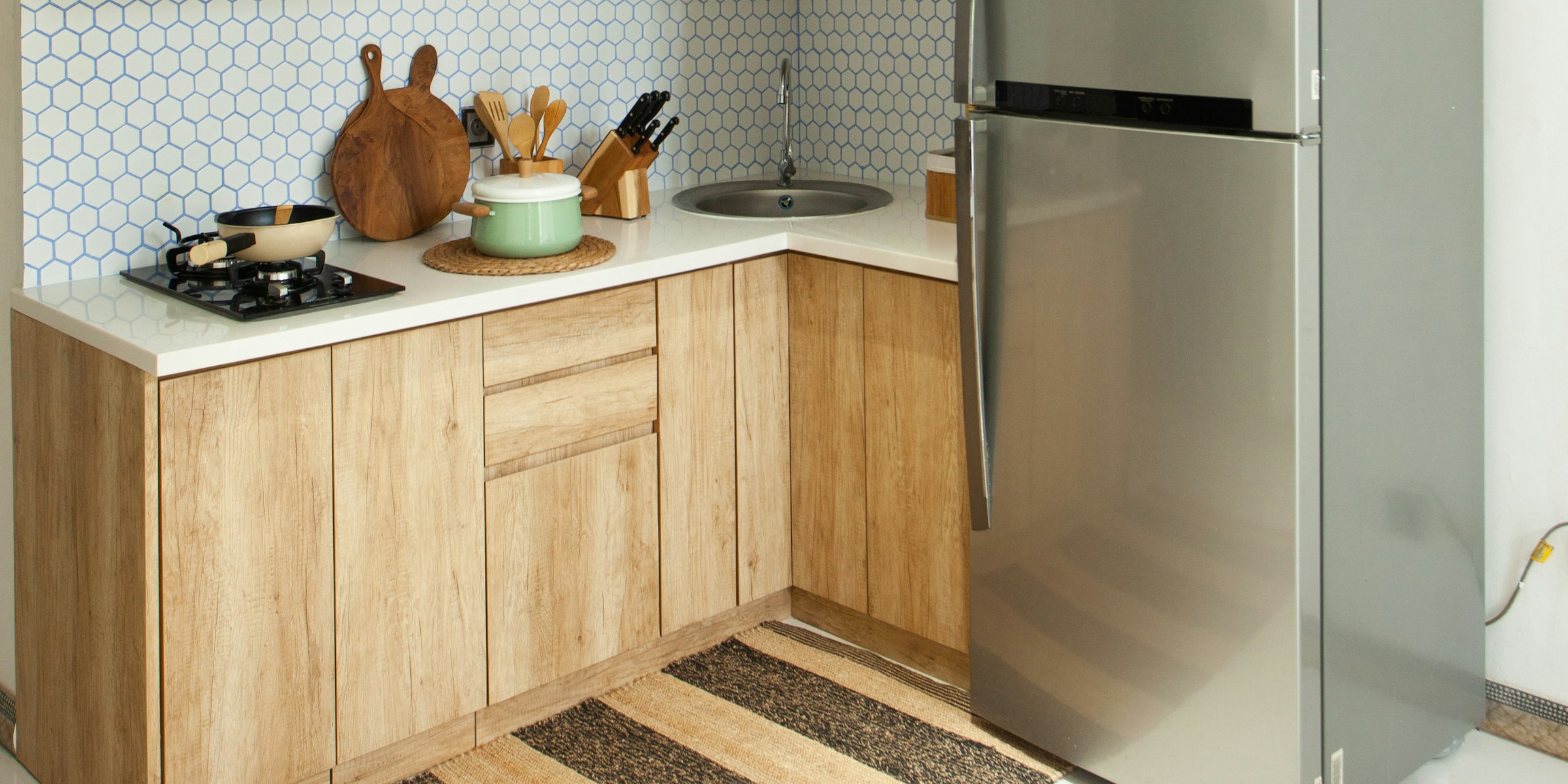
The short answer: a typical apartment unit turn needs paint and patch supplies, plumbing and electrical parts, lighting, hardware, appliance parts, flooring repairs and cleaning supplies. Keep the small items every turn uses on a stocked maintenance shelf, standardize fixtures and finishes across units, and order appliances and flooring the same day the walk-through shows you need them.
1. Start with the move-out walk-through
The walk-through sets the materials list. Note every item that needs repair or replacement, with the room, the quantity and the make and model already installed.
Photos of appliance labels, faucet trim and light fixtures save a second trip. They also make it much easier to order an exact match.
Sort what you find into three groups: what the maintenance shelf already covers, what needs to be ordered, and what needs an outside vendor, such as carpet, countertops or major appliance repair.
2. The core materials checklist
Most turns draw on the same categories. What changes from unit to unit is how much of each you need.
- Paint and patch: wall and trim paint in your standard colors, primer, spackle, drywall patches, caulk, tape, rollers and drop cloths.
- Plumbing: faucet cartridges and aerators, supply lines, toilet flappers and fill valves, wax rings, shower heads, P-traps and drain stoppers.
- Electrical and lighting: LED bulbs in one standard color temperature, outlets and switches, cover plates, GFCI receptacles, smoke and CO alarms and replacement light fixtures.
- Ventilation: bath fan grilles, motors or full replacement fans, and range hood filters.
- Appliance parts: refrigerator shelves and bins, door gaskets, water filters, range drip pans and burner elements, and dishwasher racks.
- Doors and hardware: locksets or rekeyed cylinders, door levers, door stops, cabinet pulls and hinges, blinds and window screens.
- Flooring: spare plank or tile for spot repairs, transition strips, base trim and adhesive.
- Cleaning: degreaser, bathroom cleaner, trash bags and HVAC filters.
Brand choices matter most for the parts you replace often. If every unit has a Moen or Delta faucet, one or two cartridge types cover the whole property. The same goes for outlets and switches from one maker such as Leviton, and bath fans from Broan-NuTone, where replacement parts fit many installed units.
3. Stock the fast movers, order the rest
Not everything on the list belongs on a shelf. Split materials by how often you use them and what they cost.
- Keep on the shelf: bulbs, paint, caulk, cartridges, flappers, supply lines, filters, outlets, switches and cover plates.
- Order per turn: appliances, light fixtures, vanities, faucets, flooring and blinds.
- Hand to a vendor: carpet replacement, countertop and tub refinishing, and major appliance repair.
Tip: set a minimum quantity for each shelf item and count once a month. Reordering to a fixed level is cheaper and faster than a rush trip to the store when a tech runs out halfway through a turn.
4. Standardize the finish package
When every unit uses the same faucet, light fixtures, paint colors, flooring and hardware finish, the shelf gets smaller and techs learn the products. Replacements match the rest of the unit, and reordering becomes a repeat order instead of a new search.
Write the package down so anyone can order from it:
- Each line: brand, model number, finish and color.
- Approved alternate: one in-stock substitute for every line, so a backorder doesn't hold a unit.
- Tiers: if you renovate some units to a higher standard, keep a separate package for those.
When a product is discontinued, update the package once instead of picking a new item unit by unit.
5. Plan around appliances and flooring
Appliances and flooring are the items most likely to keep a unit off the market. If the walk-through shows a failed refrigerator or worn flooring, order that day.
Keep a short list of approved models for each appliance, for example a standard Frigidaire refrigerator and range, plus an in-stock alternate. Before ordering, confirm the width and depth of the space, gas or electric, and the venting.
- Check stock and delivery dates: a model in stock at one supplier may be backordered at another.
- Ask for haul-away: removing the old unit at delivery saves your team a trip.
- Plan access: give the delivery team the unit number, gate or elevator details and a contact on site.
- Inspect on arrival: check for damage before the driver leaves.
6. Track what each turn costs
Record what each turn used and what it cost, by unit and by category. Over time you'll see what a typical turn costs, which items fail most often and when a full replacement beats another repair.
Good records also make it easier to separate normal wear from resident damage, and to back up any deposit deductions your local rules allow.
Common questions
How long should a unit turn take?
It varies with the unit's condition and the scope of work. Paint-and-clean turns move quickly; turns that need appliances, flooring or vendors take longer, which is why those items should be ordered first.
Should I repair or replace an appliance during a turn?
Weigh the repair cost, part availability and the appliance's age. If parts are hard to find or the unit is near the end of its life, replacing it while the apartment is empty avoids a service call after a resident moves in.
How much stock should I keep?
It depends on your turnover and the size of your portfolio. Track how fast each item is used for a few months, then set minimums that cover the time it takes a new order to arrive.
How Bundle helps
Bundle Procure lets property management teams order unit turn materials and standard packages across suppliers, compare prices side by side and track every order on one PO, with a project manager sourcing anything outside the catalog. For quick one-off orders, Bundle Shop offers direct pricing on 190+ trade brands with no subscription. See how it works for property managers →